Choosing a reliable solution for learning Korean as an adult often means juggling quality teaching, curriculum rigor, and flexible access around work schedules. Many language platforms skip structured syllabi, limit instructor availability, or keep pricing and schedules opaque, making it tough to find a program that matches professional and personal needs. This comparison reviews class structure, technology features, and delivery models across four Korean language learning providers so you can match the right fit to your study habits and goals.
Table of Contents
Korean Explorer Language School
At a Glance
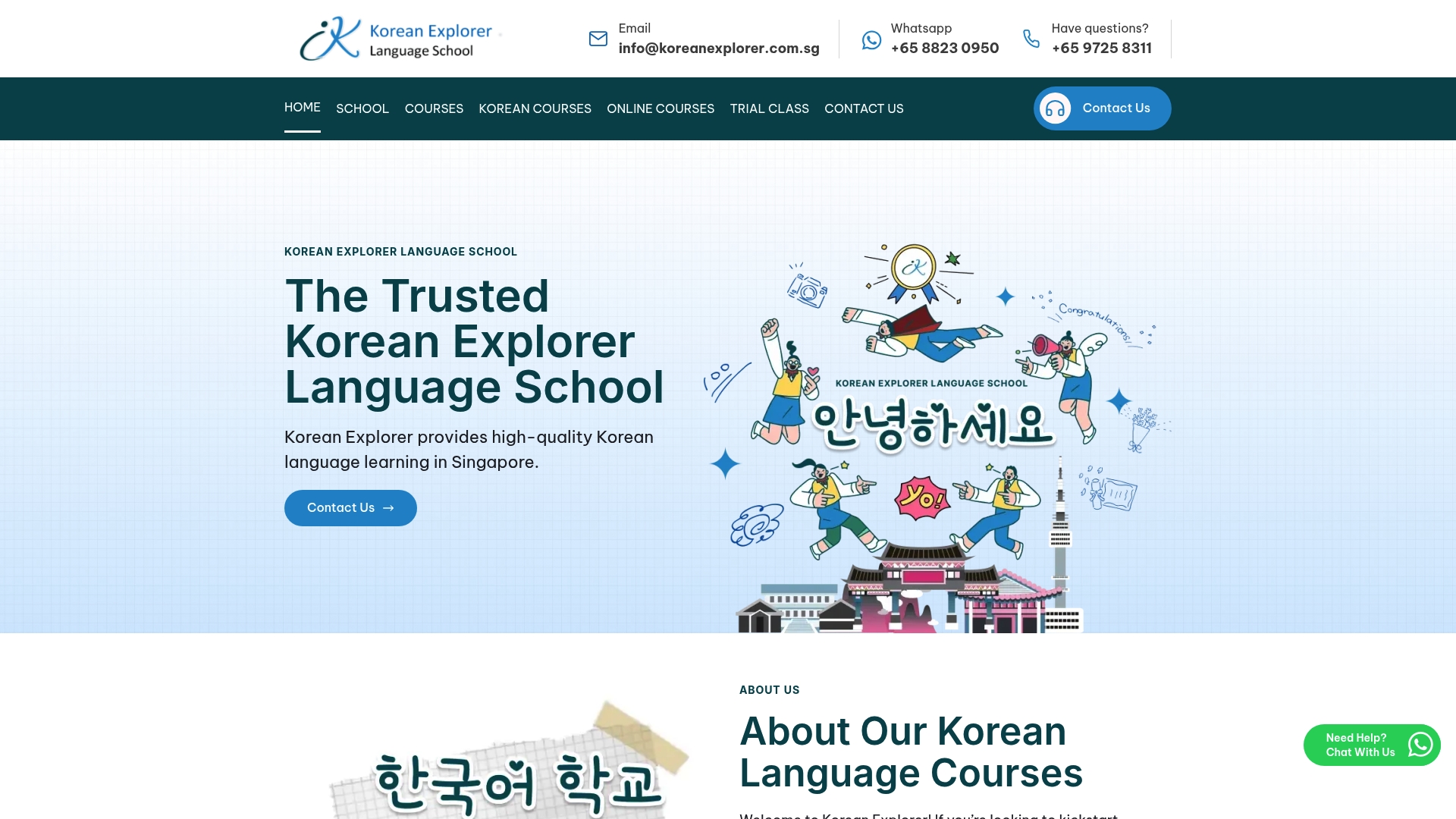
The vendor reports a 4.8-star average from over 900 student reviews, a figure that suggests consistent satisfaction across classes. Korean Explorer builds courses from the Seoul National University syllabus and runs both in-person and online options for adults in Singapore.
Core Features
- Seoul National University syllabus adaptation across beginner to business levels, creating a predictable progression for learners.
- Native Korean instructors who are fluent in English and focus on conversational practice plus cultural context.
- Hybrid learning model: group, private, in-person at multiple centers and live online lessons for working schedules.
- Courses explicitly aligned to TOPIK standards and practical workplace communication.
Key Differentiator
Korean Explorer pairs a curriculum derived from a named university syllabus with instructors who are native speakers fluent in English. That combination aims to keep grammatical rigor and clear explanations in one package while preserving conversational practice.
Pros
- Strong instructor quality. Native teachers fluent in English reduce confusion when explaining grammar or nuance, which helps you progress faster in spoken and written tasks.
- Flexible delivery. If your workday changes, you can switch between online lessons and the in-person center near Tanjong Pagar, Jurong, or Tampines without losing curriculum continuity.
- Exam-focused option. TOPIK-aligned lessons make it straightforward to convert classroom progress into an exam plan and study milestones.
- Positive social proof. The figure above gives a quick signal that many students found the classes useful, which matters when choosing where to spend your training budget.
Cons
- Limited published detail on course schedules and fees makes it harder to compare class timing or total program cost before contacting the school.
Who It’s For
Professionals and adult learners in Singapore who want structured Korean training for travel, work, or exam preparation. Ideal if you need weekday evening or weekend options, a clear syllabus to follow, and teachers who can explain grammar in English.
Unique Value Proposition
Multiple Singapore centers, including Tanjong Pagar, Jurong, and Tampines, let you take in-person classes near work or home while keeping the same curriculum and teacher standards across locations. That local footprint plus live online lessons reduces commuting friction for busy professionals.
Real World Use Case
A project manager needs clearer Korean for client calls and email. They enroll in a private evening course, alternate online sessions during travel weeks, and follow the syllabus to target business vocabulary. Cultural notes from native teachers improve meeting etiquette and phrasing.
Pricing
Public pricing is limited, but courses are generally stated at SGD 350 for 8 lessons. Additional fees may apply for specialized TOPIK prep classes and course materials; contact the school for exact package and schedule quotes.
Website: https://koreanexplorer.com.sg
Kimchi Reader
At a Glance
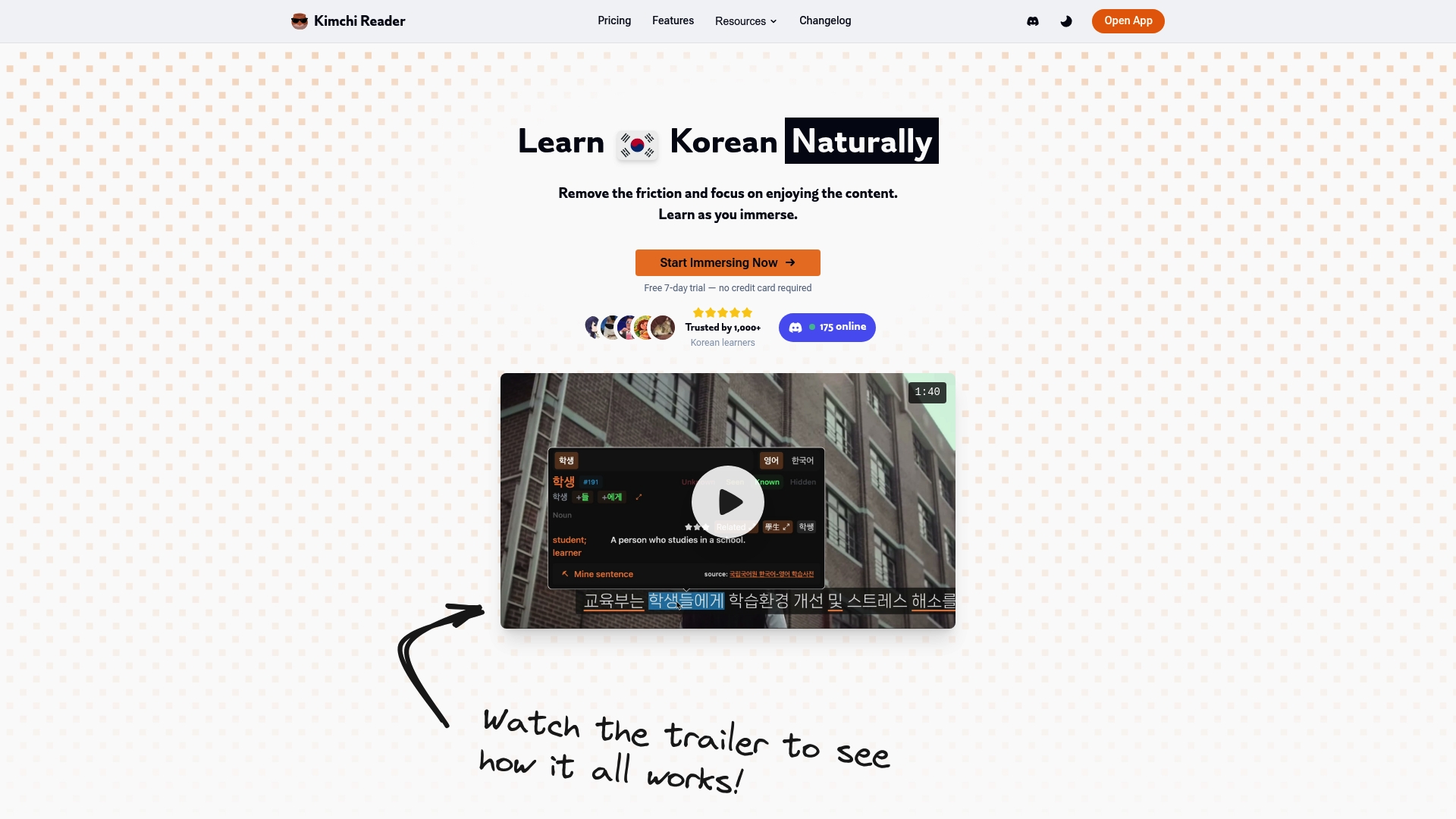
Kimchi Reader’s marketing materials advertise an extensive media library of 350,000+ resources spanning YouTube, Netflix, books, and podcasts. The app pairs clickable subtitles, sentence mining, and vocabulary tracking to help intermediate learners move from textbooks into real media.
Core Features
- Popup dictionary with instant lemmatization and dual language definitions for on-the-fly lookup while watching or reading.
- Anki integration and sentence mining tools that convert mined lines into flashcards with one click.
- Clickable subtitles across YouTube, Netflix, Viki, and local videos for context-aware learning.
- Vocabulary tracking and real-time progress analytics that show which words you encounter most often.
- Customizable reader environment with themes, fonts, and layout preferences plus community leaderboards and learner profiles.
Key Differentiator
Kimchi Reader combines media playback, subtitle interactivity, and spaced repetition hooks into a single member experience focused on input-driven learning. The emphasis on synchronizing media consumption with vocabulary growth makes the community features feel like motivation rather than a distraction.
Pros
- Effective for immersion. Members can pause a scene, capture a sentence, and export it to flashcards in under 30 seconds.
- Deep media support reduces friction. Clickable subtitles on major streaming sources keep you studying inside the show you actually want to watch.
- Strong tracking lets you see which words move from passive recognition to active recall over weeks of practice.
- Customization keeps long sessions comfortable. Adjustable fonts, themes, and layout reduce eye strain during binge study.
- Community elements add social proof. Leaderboards and profiles make streaks and milestones visible and encourage friendly competition.
Cons
- No formal curriculum. Learners who still need structured lessons will find the tool a supplement rather than a guided course.
- Promotional behavior from the developer can feel pushy to some members and interrupts the learning flow.
- Feature density can overwhelm. The number of options and settings requires a learning period before you get truly productive.
When It May Not Fit
If you have not yet mastered Hangul and basic grammar, this platform will be frustrating rather than helpful. Likewise, learners who need a sequenced course with graded lessons will want a traditional class or tutoring instead of a media-first toolkit.
Who It’s For
Intermediate to advanced Korean learners who prefer learning through authentic content and want tools to mine, memorize, and measure vocabulary gains. Ideal for self-directed study and creators who build example-based flashcard decks.
Real World Use Case
You watch a Korean drama, click a subtitle line to save it, tag the sentence for context, and export several items to Anki. Over a month you track which words appear in multiple shows and focus review on the highest-frequency items.
Website: https://kimchi-reader.app
pCloud
At a Glance
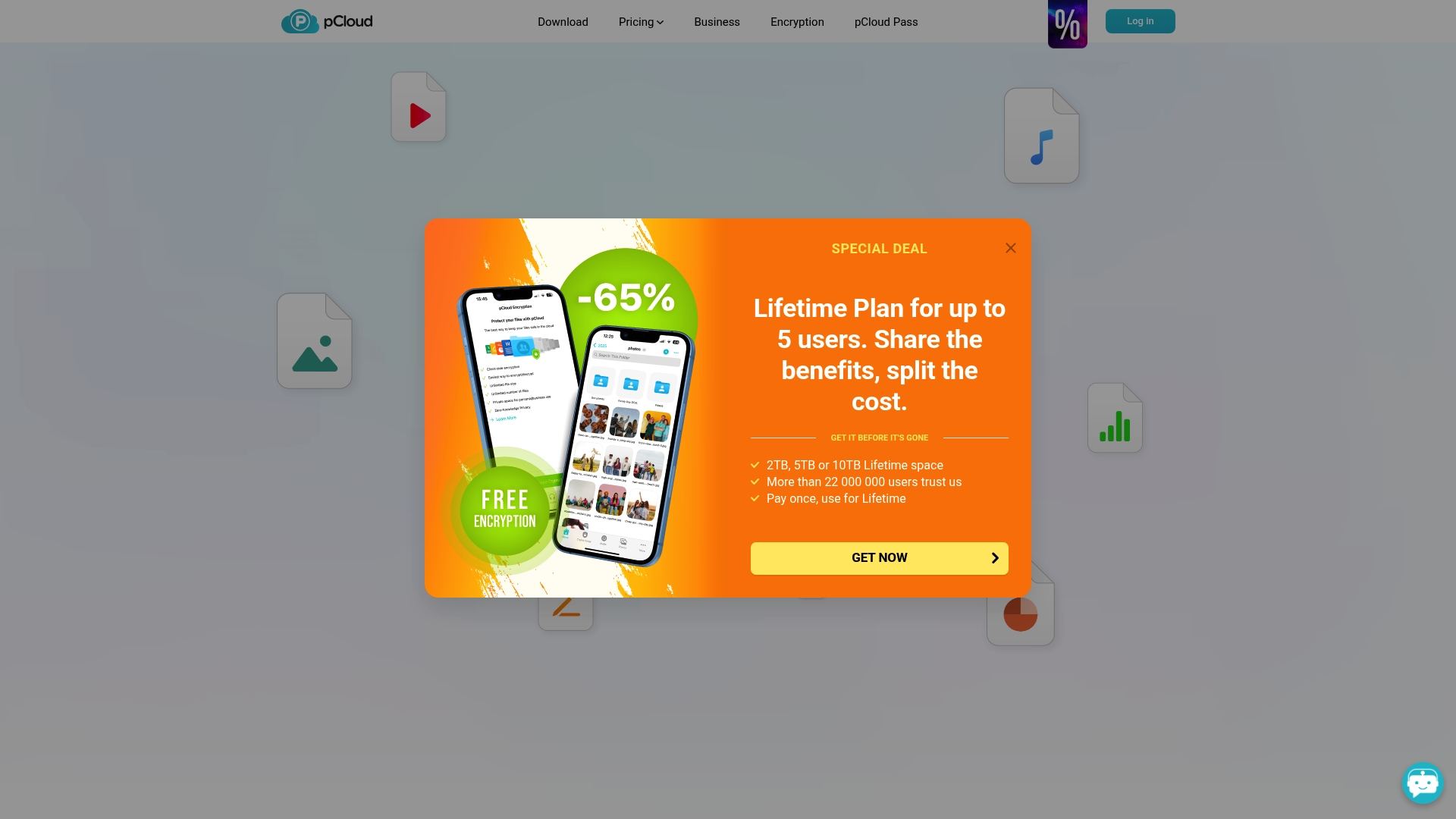
pCloud offers one-time lifetime plans for 2TB, 5TB, and 10TB storage—a purchase model that changes the recurring-cost calculus for long-term file keepers. The vendor reports being used by over 22 million users worldwide; that figure is self-reported.
Core Features
pCloud focuses on storage, sharing, and privacy with straightforward tools that work across devices.
- Client-side encryption available as an add-on to keep files encrypted before they leave your device.
- Virtual drive that mounts cloud storage as a local drive to save local disk space and speed access.
- File versioning, automatic backup and sync, and basic digital asset management for long-term archives.
Key Differentiator
The combination of lifetime purchase options with Swiss-based privacy framing is pCloud’s distinctive angle. That pairing is aimed at users who prefer a single payment and tighter control over where their data is hosted.
Pros
- Fast large-file transfers reported by many users; this reduces wait time when you must deliver raw photos or video files to clients.
- The virtual drive feature keeps local storage free while letting apps access files as if they were local.
- Flexible sharing controls let you send password-protected links and set expirations for sensitive material.
- Data localization choices let you select storage in Europe or the USA, useful for compliance preferences.
- One-time purchase routes eliminate monthly billing and simplify long-term budgeting for individuals and small teams.
Cons
- Some users report occasional sync or upload glitches that require a manual restart of the client.
- Portions of the interface feel dated compared with newer cloud UIs, which can slow initial onboarding for nontechnical users.
- Customer support quality varies; answers are sometimes delayed or need follow-up to resolve complex cases.
When It May Not Fit
If you need guaranteed enterprise-grade support SLAs, frequent bilateral integrations, or embedded team management features, pCloud’s consumer-first roadmap may be limiting. Teams that require centralized admin controls and dedicated account management will find gaps.
Who It’s For
Individuals who value privacy and prefer a predictable one-time payment. Small businesses and freelance creatives who back up photos and video and want client-side encryption without a monthly commitment will find this attractive.
Real World Use Case
A professional photographer backs up full-resolution shoots from two laptops and a phone, shares large client galleries via passworded links, and uses the virtual drive to edit files in Photoshop without duplicating a terabyte of local storage.
Pricing
pCloud sells lifetime plans for 2TB, 5TB, and 10TB under a one-time fee model and maintains a free tier with limited storage. Business users can opt for recurring plans if they prefer subscription billing.
Website: https://pcloud.com
Seafile
At a Glance
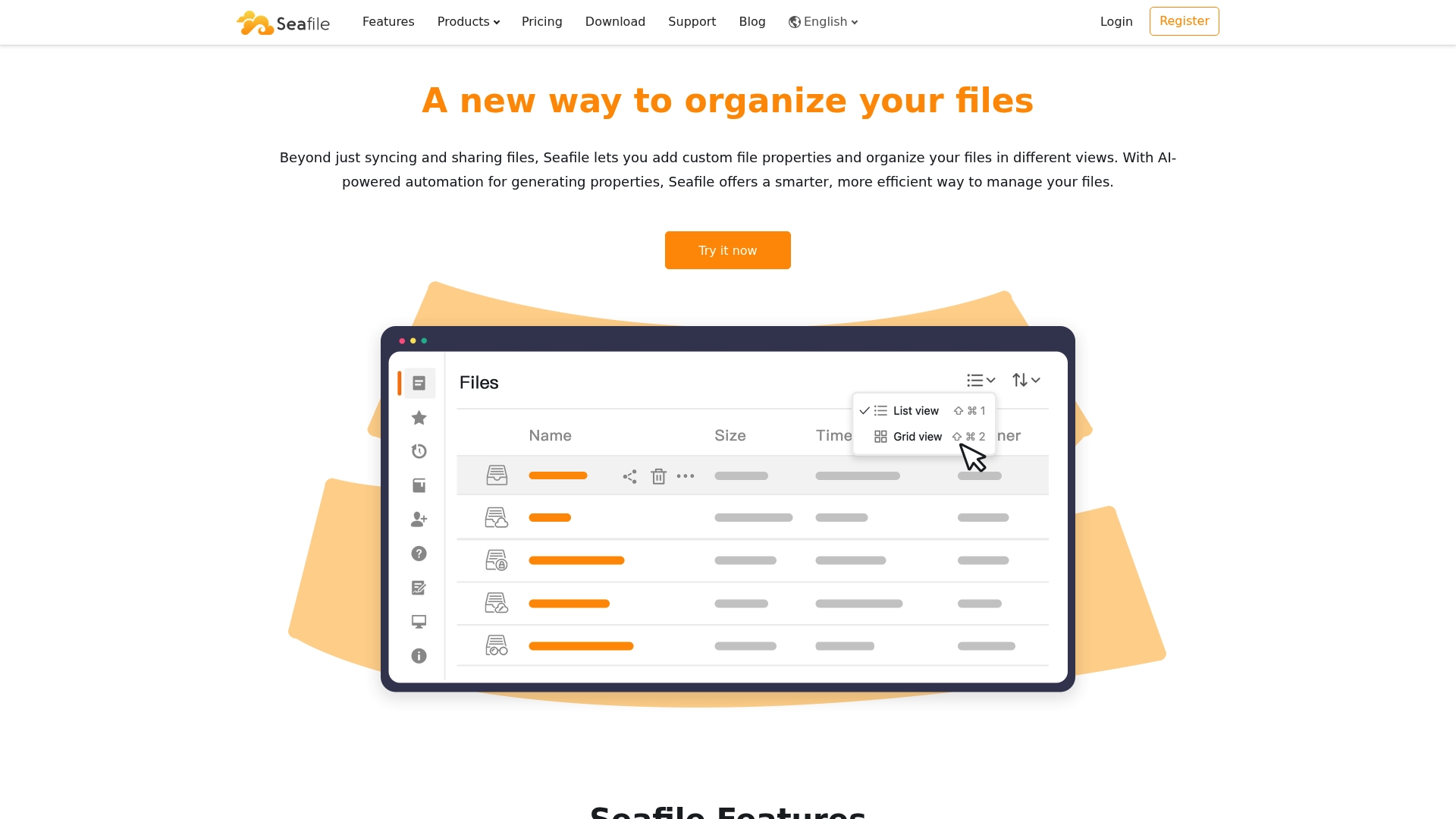
Seafile’s marketing materials state it is trusted by over 1 million users worldwide, pairing that scale with AI-generated metadata and both cloud and on-premise deployment options for teams that need automation plus strict data control.
Core Features
- Extensible File Properties with AI-generated metadata to tag and surface key information automatically.
- Flexible file views including table, gallery, Kanban, and map for visual organization across workflows.
- Secure online viewing and editing for multiple formats with version control and audit logging.
- Granular sharing permissions that support passwords, expirations, and multi-level tag organization with AI-assisted tagging.
Key Differentiator
The platform centers on AI-powered metadata management combined with enterprise security and deployment flexibility. That pairing aims to let teams automate classification while keeping files under firm operational control, whether hosted on-premise or in SeafilePlus Cloud.
Pros
- Excellent performance on large transfers. Many teams report reliable sync and low latency for bulk uploads which helps content teams and developers.
- Client-side encryption and detailed audit logs support compliance and internal security reviews without adding vendor lock-in.
- Strong API surface and directory integration with LDAP and SAML make it workable inside existing identity systems.
- Choice of on-premise or managed cloud gives IT teams control over data locality and maintenance responsibilities.
- Collaboration tools such as real-time document editing, Wiki pages, and version control reduce document sprawl and duplicated work.
Cons
- Steeper learning curve during initial setup and configuration, especially for on-premise deployments that require server management.
- Less friendly for casual users compared with consumer cloud storage. Non-technical staff may need training to adopt advanced features.
- The depth of configuration and tagging can be overkill if your use case is simple one-off file sharing.
When It May Not Fit
If you lack an IT resource to install and maintain servers, the deployment overhead will slow adoption. For teams who need plug-and-play consumer simplicity, Seafile’s admin controls and metadata workflows will feel heavy and create friction.
Who It’s For
IT teams, enterprise organizations, and developer-led groups that need a secure, scalable file collaboration platform. Ideal when compliance, custom metadata, or on-premise control matter more than simple end-user onboarding.
Real World Use Case
A multinational deployed Seafile on-premise to centralize internal documents, run team collaboration through SeaDoc, and keep audit trails for compliance. That setup cut duplicate document copies and gave security teams clearer visibility into access.
Pricing
The vendor lists a free community edition, tiered professional editions, and enterprise licenses. Visit the vendor site for current plan details, deployment options, and licensing terms.
Website: https://seafile.com
Comparative Analysis
When selecting a Korean language learning resource, the offerings differ significantly in delivery methods, target demographics, and focus areas. Korean Explorer provides structured instructor-led courses suitable for learners seeking personalized guidance or focused exam preparation, while its alternatives specialize in self-paced media immersion or advanced metadata applications.
Structural Rigidity vs. Flexibility
Korean Explorer Language School excels in offering structured, meticulously planned courses based on the Seoul National University syllabus. This approach delivers a predictable and thoroughly tested learning path which is particularly valuable for individuals who favor guided lessons over self-led explorations. In contrast, Kimchi Reader provides a self-directed learning platform integrating media consumption with language acquisition. The lack of a formal syllabus in Kimchi Reader may bewilder those new to Korean language learning, but its emphasis on authentic materials and vocabulary tracking holds considerable appeal for intermediates firmly grounded in grammar basics.
Seafile, while not explicitly tailored for language learning, demonstrates strength in organizational and data control features, beneficial for collaborative teams managing language learning materials. pCloud focuses on file storage simplicity, aiding casual learners who need organizational tools without heavy administrative setup.
Support and User Expertise
For non-technical learners aiming for a onboarding process, Korean Explorer Language School enables straightforward enrollment and quick adaptation due to guided instructor-led models. In comparison, Kimchi Reader provides highly customizable environments, such as flexible subtitle interaction and exportable learning tools, yet may initially challenge less computer-savvy users familiarizing themselves with the feature set. On the other hand, Seafile caters to professional setups requiring deep administrative flexibility and metadata tagging for structured learning team workflows, albeit requiring upfront configuration competence.
Best Fit Scenarios
- Professionals desiring evening-class flexibility alongside structured guidance should select Korean Explorer, especially if targeting exam preparation or workplace communication.
- Intermediate learners eager for enhancing contextual immersion while consuming Korean media will benefit from Kimchi Reader, given its vocabulary tools and customizable study interface.
- Organizations seeking to integrate linguistic file collaboration and compliance management would find value in Seafile’s sophisticated metadata and permission systems.
- Solo learners requiring cost-effective digital asset management for multimedia study resources should consider pCloud, particularly for its lifetime storage plans.
Our Pick
Korean Explorer Language School is the recommended resource for Singapore professionals who need flexible yet structured guidance aligning with national syllabus standards. This choice fits scenarios where personalized instruction and exam focus outweigh the benefits of independent, media-centric learning methods. Alternatively, users emphasizing sentence mining and intensive vocabulary tracking in real-world contexts may prefer Kimchi Reader, highlighting the breadth of options for enhanced language acquisition.
Korean Language Learning Solutions Compared
Compare the following Korean language learning options, focusing on their standout features, ideal users, and potential weaknesses, to identify which aligns best with your learning goals.
| Product Name | Core Feature | Key Differentiator | Best For | Pricing | Notable Limitation |
|---|---|---|---|---|---|
| Korean Explorer | Seoul National University syllabus adaptation | Native instructors fluent in English | Professionals needing flexible schedules | SGD 350 for 8 lessons | Course schedules and fees not fully disclosed |
| Kimchi Reader | Clickable subtitles for video-based learning | Integration with vocabulary tracking | Independent learners focused on immersion | Not disclosed | No curriculum guidance; suitable as a supplement only |
| pCloud | Lifetime cloud storage plans | Swiss-based privacy framework | Individuals seeking extended file storage | Varies by tier | Occasional sync glitches reported |
| Seafile | AI-powered metadata for file management | On-premise and cloud deployment options | Enterprise teams requiring compliance | Free and paid options | Requires IT management for on-premise configurations |
Find the Right Korean Language Solution Beyond KimchiCloud
If you have struggled with finding Korean learning tools that offer true structure and expert guidance, Korean Explorer provides a clear alternative. Unlike platforms that focus mainly on media immersion without a set curriculum, our courses follow the Seoul National University syllabus aligned with TOPIK standards. We specifically help learners who want to build strong conversational skills and deep cultural understanding through native instructors fluent in English.
Take control of your Korean learning by choosing Korean Explorer for flexible options like in-person and online classes in Singapore. Don’t settle for fragmented study methods — book your personalized consultation today and get a tailored plan that accelerates speaking, writing, and exam readiness.
Frequently Asked Questions
What is the key feature of Korean Explorer that supports structured language learning?
Korean Explorer uses a syllabus adapted from Seoul National University, which creates a predictable progression for learners. This structured approach helps students advance from beginner to business levels effectively. Consider enrolling if you need a clear pathway in your language studies.
How does Korean Explorer compare to Kimchi Reader for learning Korean?
Kimchi Reader excels by providing an extensive media library with interactive features; it focuses on consuming authentic content like Netflix and YouTube. In contrast, Korean Explorer is designed for those seeking a structured curriculum and direct instruction to build conversational skills. Choose Kimchi Reader if you prefer learning through media and want flexible vocabulary tools, while opting for Korean Explorer will give you the benefits of structured lessons and face-to-face interaction.
Which platform is suited for professionals needing exam-focused Korean training?
Korean Explorer is tailored for professionals aiming to prepare for the TOPIK exam with explicit lessons aligned to its standards. The emphasis on practical workplace communication within the curriculum supports learners interested in targeted language skills. If you’re preparing for a language proficiency exam, Korean Explorer would be a fitting choice.
Can students switch between online and in-person classes easily at Korean Explorer?
Yes, Korean Explorer offers a flexible delivery model that allows students to transition between online lessons and in-person classes at various centers without losing curriculum continuity. This flexibility caters well to busy professionals with changing schedules, making it convenient to maintain your language study progress.
What pricing details are available for courses at Korean Explorer?
Courses at Korean Explorer are generally priced at SGD 350 for 8 lessons, though additional fees may apply for specialized TOPIK prep classes and materials. Contacting the school will provide the most accurate information about available packages and scheduling options.